Your app on Kubernetes
Part 2 of 2
(there is no part 1)
First presented June 13th, 2025
Vincenzo Scalzi
Avid reader, writer and technologist. 10+ years of development, Cloud and consulting experience taught me how to get customers from A to Z.
Cloud Arch., SRE & DevOps Lead

📖 ✍️ 💻 🎸 🧗♂️ 🎤 🎶
In Part 1…
In Part 1…

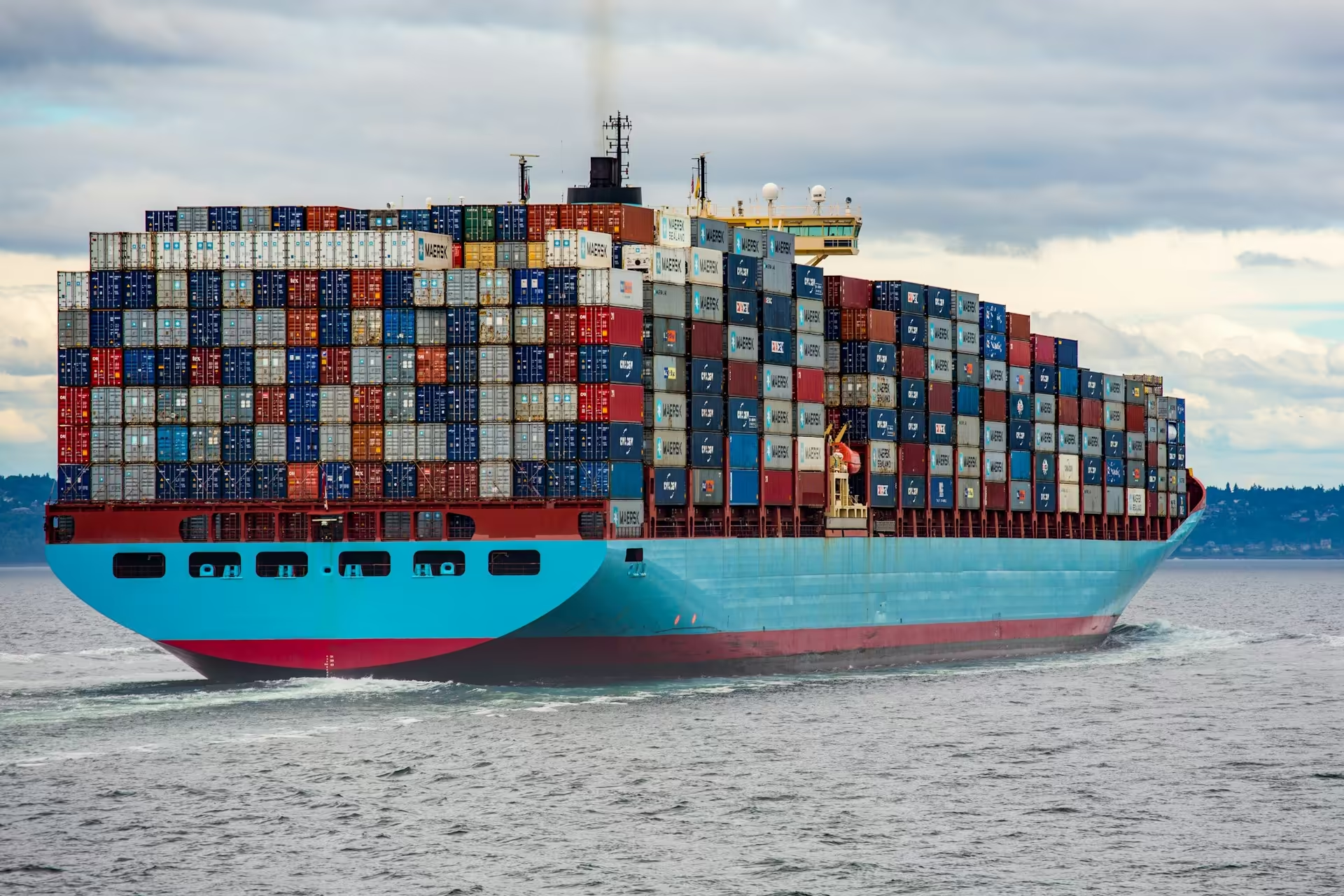
Kubernetes is a platform for containerized apps
In Part 1…
Kubernetes is highly customizable
AWS
Amazon EKS
Observability, Auto-Deploy, Security
<Your app goes here ❤️>
In Part 1…
AWS
Amazon EKS
Obs, Auto-Deploy, Security
<Your app goes here ❤️>
Compared with ECS, it can be superior
Amazon ECS
<Your app goes here ❤️>
In Part 1…
Amazon EKS
Compared with ECS, it can be superior
Amazon ECS
Stewarded by the community
Kinda portable?
Scalingggg
One-size-fits-all platform
Can be hosted in remote oil rigs
Stewarded by AWS
Bound to AWS
Kinda simple to configure
Works while within limitations
True story!
But I already use ECS!!
In Part 1…
Amazon EKS
Compared with ECS, it can be inferior
Amazon ECS
Difficult to operate
Dev - Ops collaboration
Container commitment
Forget Windows
In Part 1…
Anyway, there is plenty of stuff about it already
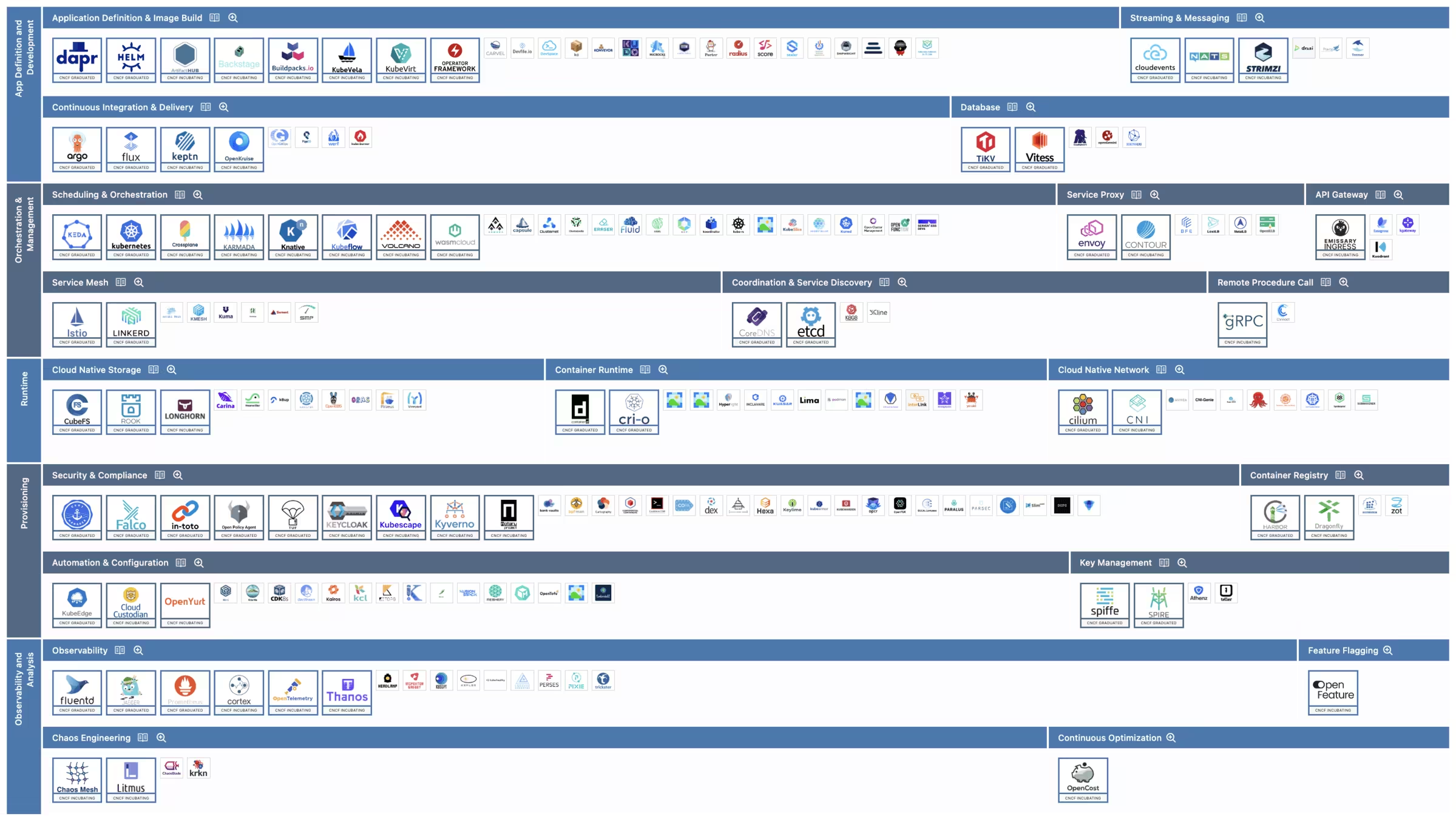
On to Part 2!
✨ AI Generated
This is going to be a reference
and an insight about how Kubernetes might treat your apps
12-Factor
apps
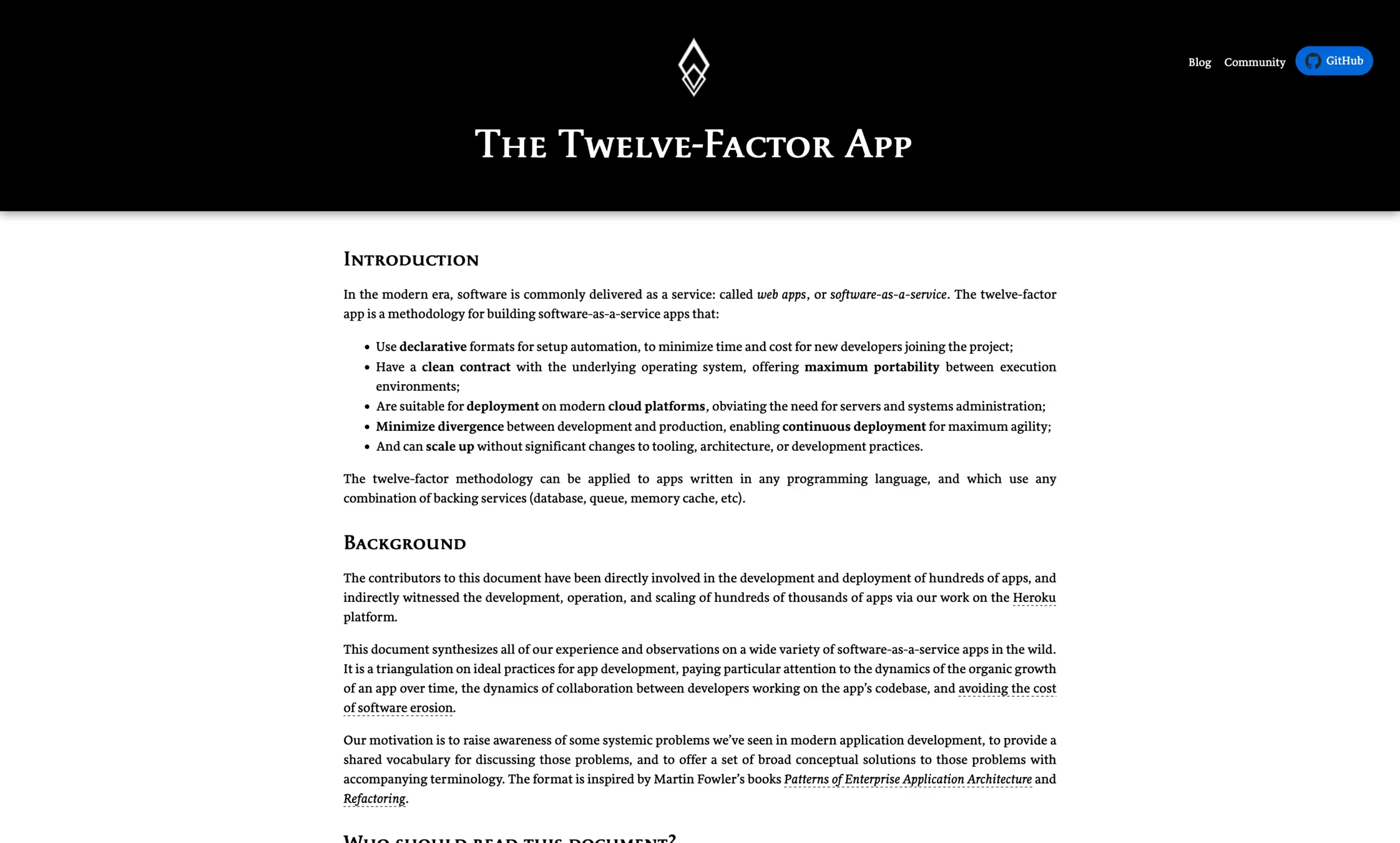
Design like there's no tomorrow
12-Factor apps
You want this pod to scale…
12-Factor apps
out
and in
Design like there's no tomorrow
12-Factor apps
12-Factor apps
If this app retains state locally:
- new copies won't have it
- stopping will erase it
Design like there's no tomorrow
12-Factor apps
Instead, store your state here
12-Factor apps
stateful backing service, a.k.a. database
Design like there's no tomorrow
12-Factor apps
Unless:
- It needs a super fast computational cache
- It runs very slow operations
- Circuit breakers
- You don't have a choice (blink three times)
12-Factor apps
Design like there's no tomorrow
12-Factor apps
Many birds with one stone (be kind to birds):
- The pod dies? There's a new one already!
- App deployment? No worries!
- Node upgrade? Pfft!
- AWS loses a datacenter? We're on 2 others!
12-Factor apps
Design like there's no tomorrow
12-Factor apps
VI. Processes
Execute the app as one or more stateless processes.
12-Factor apps
Shutdown, but with grace
12-Factor apps
12-Factor apps
Let's kill it!
SIGTERM
SIGKILL
I mean… your app!
💃
Shutdown, but with grace
12-Factor apps
12-Factor apps
What just happened?
SIGTERM
SIGKILL
terminationGracePeriodSeconds
default: 30s
The app received no traffic but idled until K8s killed it.
💃
Shutdown, but with grace
12-Factor apps
12-Factor apps
How to improve this?
SIGTERM
- The app serves its last requests
- The app saves ongoing work
- The app terminates by itself
exit 0
💃
Shutdown, but with grace
12-Factor apps
12-Factor apps
Sure, but my app runs long tasks!
Work splitting
Asynchronicity
Parallelization
Configuration
Algorithmic optimizations
More resources
Specialized hardware
💃
Shutdown, but with grace
12-Factor apps
12-Factor apps
Does this help against sudden death?
💃
No. Well… it's debatable.
Shutdown, but with grace
12-Factor apps
IX. Disposability
Maximize robustness with fast startup and graceful shutdown
12-Factor apps
💃
Probes won't be alien anymore
12-Factor apps
12-Factor apps
This is your app
Some people know what's inside
DEV
OPS
To others, it's a complete black box
Probes won't be alien anymore
12-Factor apps
12-Factor apps
How do you know the app is alive and well?
Probes won't be alien anymore
12-Factor apps
12-Factor apps
Observe it from the outside!
Requests
Responses
Probes won't be alien anymore
12-Factor apps
12-Factor apps
By observing it from the outside!
Requests
Responses
Liveness
path: /health/live
"Doing well, thanks!"
Readiness
path: /health/ready
"Now open for service!"
Startup
path: /health/initialized
"Come on, there's no rush!"
Probes: What Do They Do? Do They Do Things??
Let's Find Out!
12-Factor apps
There is no situation in which you should not properly configure the probes!
Unless you don't have a choice (remember, blink three times)
Probes: What Do They Do? Do They Do Things??
Let's Find Out!
12-Factor apps
Front API service
init containers:
- db: applies db migrations
- fetch: download data from central storage
app startup:
- Retrieve configuration on AWS
- Warm up db and cache connection pools
- Perform heavy computations to warm up a local cache…
45"
Probes: What Do They Do? Do They Do Things??
Let's Find Out!
12-Factor apps
CrashLoopBackoff
CrashLoopBackoff
Default settings:
/* (liveness|readiness|startup) */Probe:
  initialDelaySeconds: 0
  periodSeconds: 10
  timeoutSeconds: 1
  successThreshold: 1
  failureThreshold: 3
  terminationGracePeriodSeconds: 30
0"
10"
20"
30"
app:
init
Probes: What Do They Do? Do They Do Things??
Let's Find Out!
12-Factor apps
svc
✅
✅
❌
❌
❌
❌
❌
❌
✅
✅
load
%
ready: false
Be a good citizen
12-Factor apps
12-Factor apps
cpu
memory
others
Be a good citizen
12-Factor apps
12-Factor apps
cpu
memory
others
These metrics define the count and size of the infrastructure running the services.
Setting sensible values allows more services to share the same infrastructure and is generally more efficient.
Which values you ask?
Be a good citizen
12-Factor apps
12-Factor apps
cpu
memory
From left to right:
- Usage: the sum of what's being used right now
- Requests: the sum of what apps need to run
- Limits: the sum of their max burstable capacity
Some situations:
- Usage close to 100% leaves you no slack, target 65%
- Requests are "guaranteed" capacity. With great power…
- Requests should be slightly higher than usage
- Limits are "burstable" capacity, basically your max
- Limits over 100% runs the risk that a burst causes strain
Be a good citizen
12-Factor apps
12-Factor apps
cpu
memory
spec:
  containers:
  - name: frontal-api
    image: 123456789012.etc.com/xyz-frontal-api@sha256:2590..d8e3
    resources:
      requests:
        cpu: "25m"
        memory: "100Mi"
      limits:
        cpu: "1"
        memory: "100Mi"
Be a good citizen
12-Factor apps
12-Factor apps
cpu
memory
What if the memory is maxed?
A game of chicken:
- Kubernetes computes a score for every pod based on its "QoS"
- Guaranteed: -997
- Burstable: clamp(req.mem / node.mem * 1000, 2, 999)
- BestEffort: 1000
- Highest score gets killed first!
Be a good citizen
12-Factor apps
12-Factor apps
What about the other bars?
pod count
node storage
ip addresses, network interfaces, etc.
Be a good citizen
12-Factor apps
12-Factor apps
What about the other bars?
pod count
node storage
DiskPressure
Be a good citizen
12-Factor apps
12-Factor apps
Tips & tricks
- Memory usage is often higher than CPU usage
- CPU requests are way exagerated
- Memory is often over-requested
- Pod count is rarely an issue
- Disk pressure is a platform-level issue
Bonus
A grab bag of advice
Shocker. In all seriousness, here's a real story from a past life:
A grab-bag of advice
Follow Platform Operator instructions
Web Application Resource
8
Web Application Resource
8
Web Application Resource
8
Web Application Resource
8
Web Application Resource
8
Web Application Resource
8
Web Application Resource
8
Shocker. In all seriousness, here's a real story from a past life:
A grab-bag of advice
Follow Platform Operator instructions
Web
Application
Resource
8
Web
Application
Resource
8
Web
Application
Resource
8
Web
Application
Resource
8
Web
Application
Resource
8
Web
Application
Resource
8
Web
Application
Resource
8
A grab-bag of advice
Follow Platform Operator instructions
Web
Application
Resource
8

Web
Application
Resource
8
Web
Application
Resource
8
Web
Application
Resource
8
Web
Application
Resource
8
Web
Application
Resource
8
Web
Application
Resource
8
A grab-bag of advice
Follow Platform Operator instructions

Azure VM
A grab-bag of advice
Follow Platform Operator instructions
Web
Application
Resource
8
Web
Application
Resource
8
Web
Application
Resource
8
Web
Application
Resource
8
Web
Application
Resource
8
Web
Application
Resource
8
Web
Application
Resource
8
A grab-bag of advice
Follow Platform Operator instructions
Web
Application
Resource
8
🤨
A grab-bag of advice
Follow Platform Operator instructions
1.24
A grab-bag of advice
Follow Platform Operator instructions
1.24
1.25
1.26
1.27
A grab-bag of advice
Follow Platform Operator instructions
1.27
❌
OutOfMemory
A grab-bag of advice
Follow Platform Operator instructions
🔥
🔥
🔥
🔥
🔥
🔥
🔥
🔥
🔥
🔥
🔥
🔥
Production
12 Regions, 12 K8s clusters
A grab-bag of advice
Follow Platform Operator instructions
Web
Application
Resource
8
A grab-bag of advice
Follow Platform Operator instructions
Web
Application
Resource
8
-Xmx lots of RAM
-Xms lots of RAM
requests.memory: lots of RAM
limits.memory: lots of RAM
A grab-bag of advice
Follow Platform Operator instructions
Web
Application
Resource
8
❌
❌
❌
t
mem
usage
A grab-bag of advice
Follow Platform Operator instructions
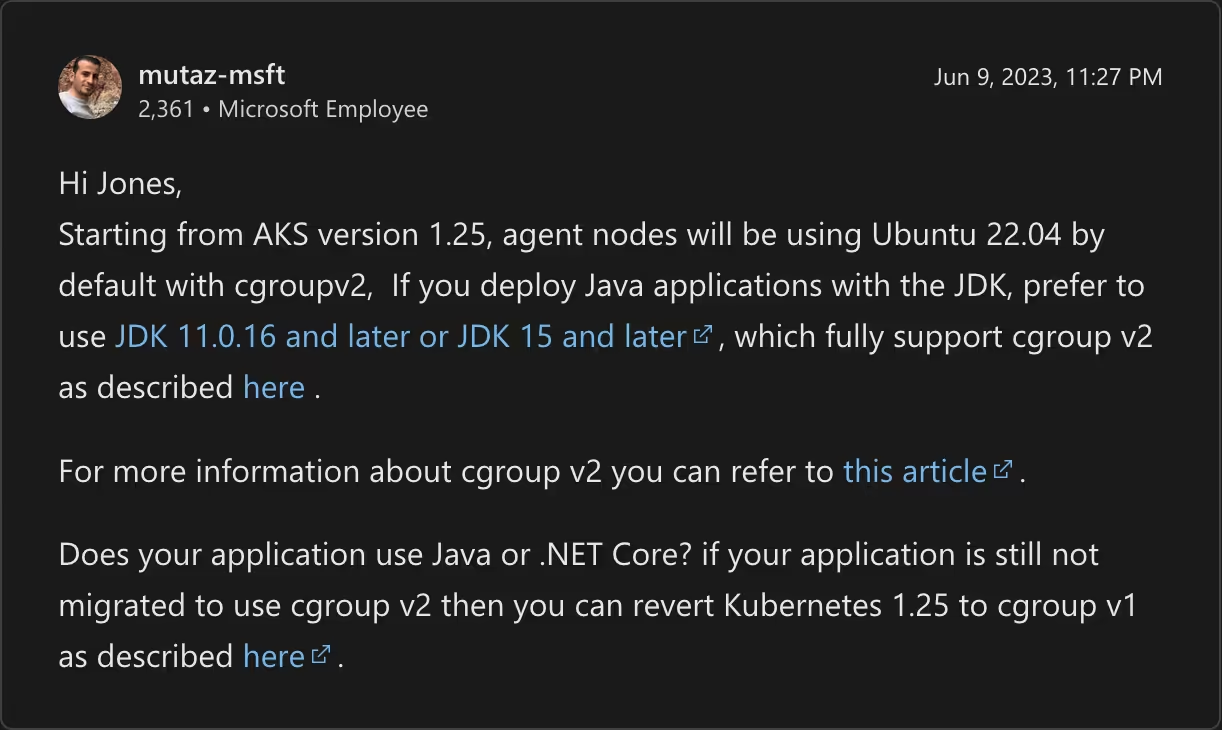
A grab-bag of advice
Follow Platform Operator instructions
Wait, you were an ops in that team. Didn't you know about it?
- @tech emails
- @tech messages
- messaged individuals
- messaged CTO
- repeated over months
- …until end of support
A grab-bag of advice
Follow Platform Operator instructions
At this point, accept your fate
¯\_(ツ)_/¯
Kubernetes relays those logs automatically and they can be easily scraped for processing. Also, use a common and agreed upon log format to ensure the same metadata is present everywhere and pinpoint the producer of the log record.
A grab-bag of advice
Log to streams, not to files
For technical and business metrics. This data can then be used to measure the effectiveness of your services from the business perspective!
Dig deeper: Prometheus
A grab-bag of advice
Expose metrics
Example:
A deployment introduces a bug in your ComputationOptimizer service. The computations are scheduled but fail to run. No logs are being produced, you only get fairly normal CPU and memory usage. With business metrics, you would see that computation requests are being made on one end but not handled on the other.
You don't want to restart your service unless its code has changed. Updating the database, cache locations or credentials should not require a restart. A good enough strategy:
- Create DNS records for external dependencies
- If dependencies change, update the records
- Set external configurations with the locations and credentials of your dependencies
- Retrieve the configurations from the code on start-up and on failure
A grab-bag of advice
External configuration, retrieved dynamically
In other words: never hardcode anything.
How are partial outages counted against your SLAs?
If some external dependency takes too long to respond and is not absolutely critical to your code path, it may be wise to return an incomplete response and adapt your UI. At times, stale data can be okay.
A grab-bag of advice
Implement graceful degradation
Graceful degradation can save you from cascading failures, where app A depends on app B which depends on database D which is in maintenance.
As an example, some websites save your work regularly on your browser. This enables you to work offline and to restart exactly where you left.
Your app on Kubernetes
Thank you